The Story
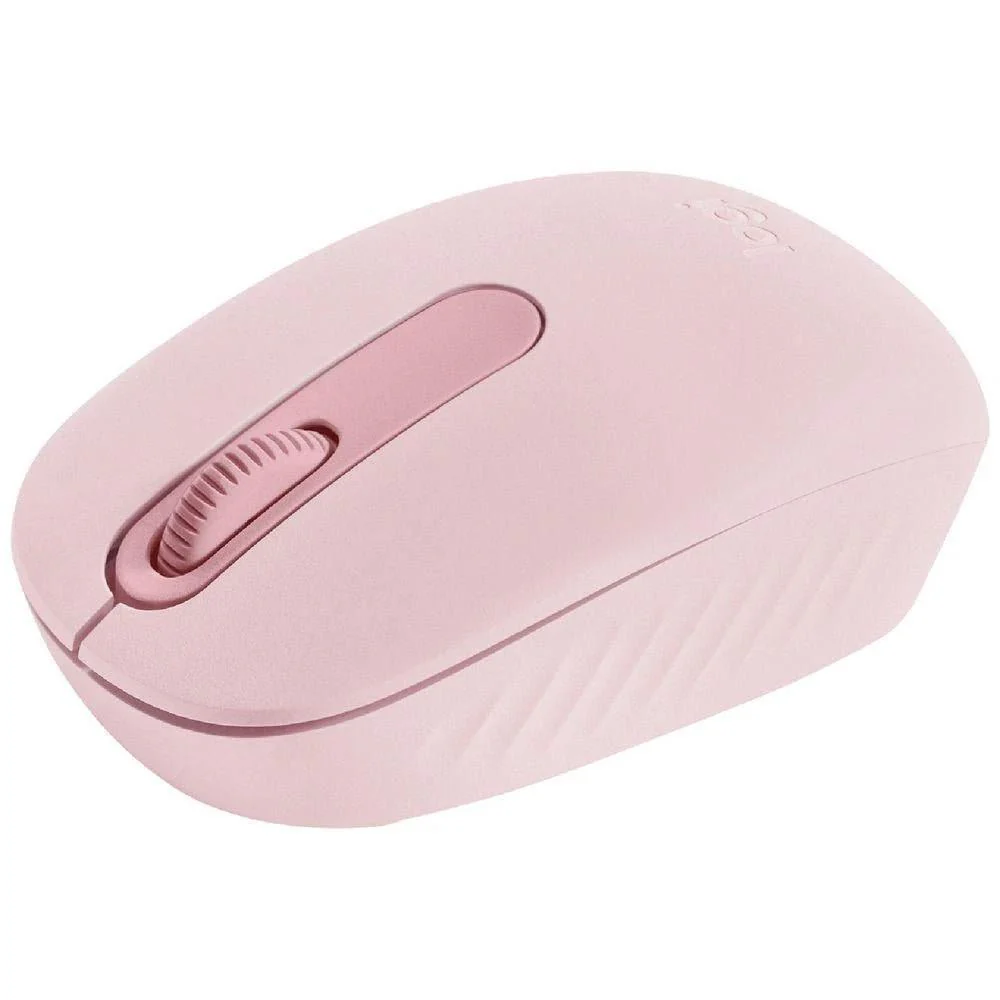
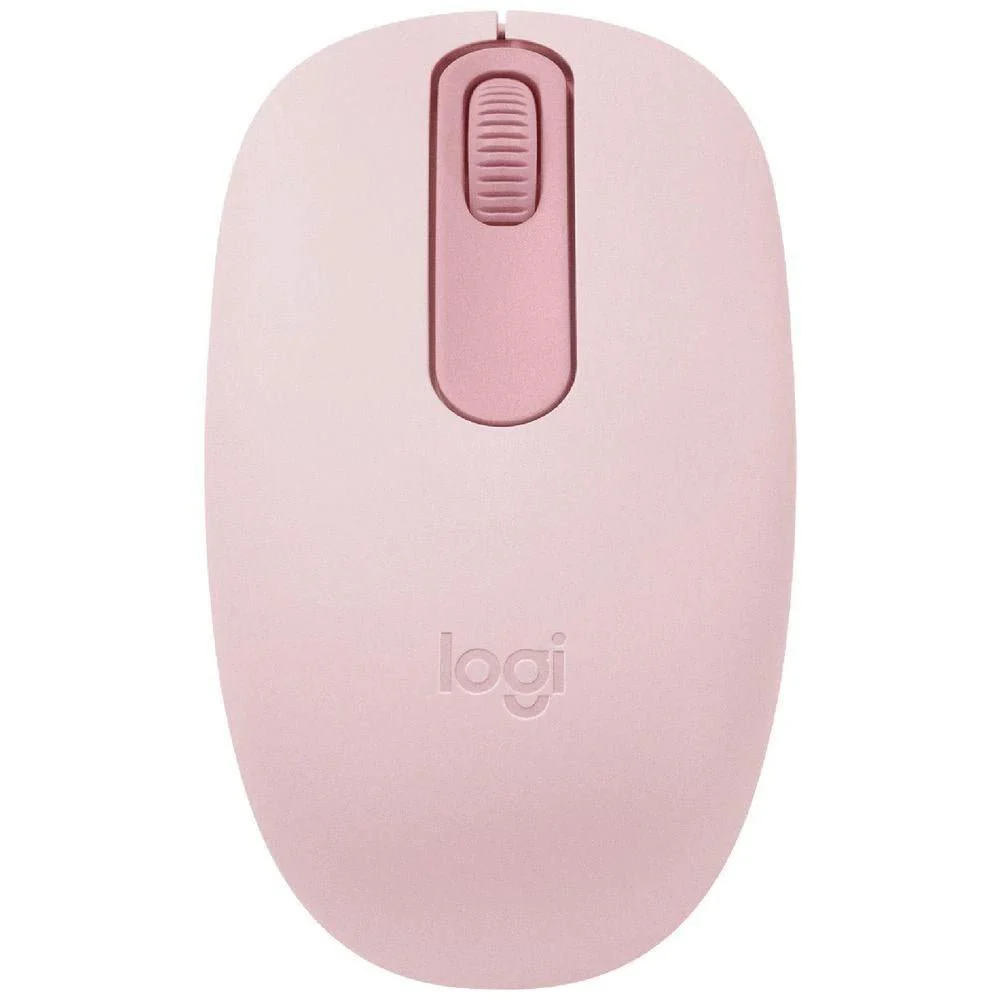
Designed for busy professionals, students and mobile workers who need quiet, reliable input on the move, the Logitech M240 Silent Bluetooth Mouse White delivers distraction-free navigation in a compact, stylish package. Its primary use case is serene everyday computing—perfect for shared workspaces, libraries, and home offices where a subtle click matters as much as seamless control.
Technical specifications
- Connectivity: Bluetooth wireless connection for easy pairing with laptops, tablets and desktops.
- Silent operation: Logitech Silent technology reduces click noise for a calmer workstation.
- Sensor: Optical sensor offering precise tracking for smooth cursor control.
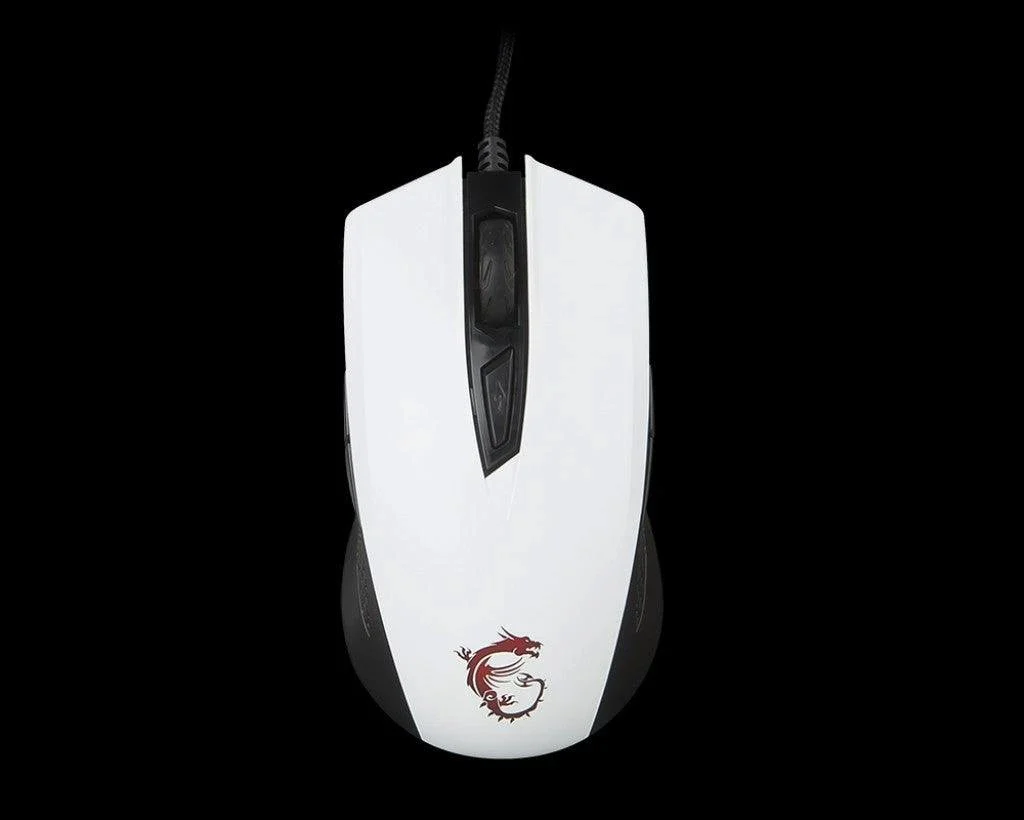
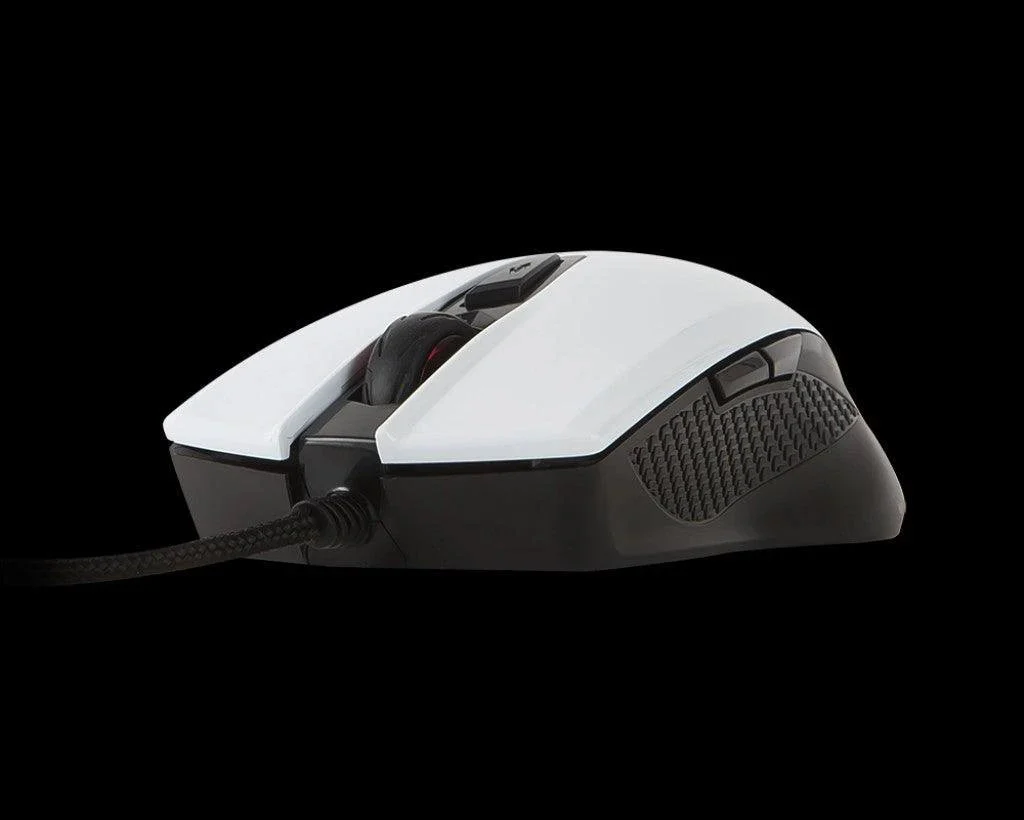
- Finish and design: Crisp white shell with an ergonomically contoured grip for extended comfort.
- Power: High-performance battery designed to maximise uptime between charges or replacements.
- Portability: Compact, travel-friendly form factor that fits neatly in a bag or laptop sleeve.
Compatibility and system requirements
Designed to work with Bluetooth-enabled devices across common operating systems. The M240 does not rely on wires, eliminating desk clutter and enabling true flexibility for portable setups.
Setup and installation
- Power on the mouse and enable Bluetooth on your device.
- Open Bluetooth settings and select “Logitech M240 Silent.”
- Complete pairing, test navigation, and customise any accessible settings in your device’s mouse preferences.
Warranty and support
Logitech offers a standard limited hardware warranty; terms vary by region. For assistance, contact Logitech Customer Support or consult the product documentation included with the mouse.

Details & Craftsmanship
Every detail has been carefully considered to bring you the perfect product.

Details & Craftsmanship
Every detail has been carefully considered to bring you the perfect product.
Description
Designed for busy professionals, students and mobile workers who need quiet, reliable input on the move, the Logitech M240 Silent Bluetooth Mouse White delivers distraction-free navigation in a compact, stylish package. Its primary use case is serene everyday computing—perfect for shared workspaces, libraries, and home offices where a subtle click matters as much as seamless control.
Technical specifications
- Connectivity: Bluetooth wireless connection for easy pairing with laptops, tablets and desktops.
- Silent operation: Logitech Silent technology reduces click noise for a calmer workstation.
- Sensor: Optical sensor offering precise tracking for smooth cursor control.
- Finish and design: Crisp white shell with an ergonomically contoured grip for extended comfort.
- Power: High-performance battery designed to maximise uptime between charges or replacements.
- Portability: Compact, travel-friendly form factor that fits neatly in a bag or laptop sleeve.
Compatibility and system requirements
Designed to work with Bluetooth-enabled devices across common operating systems. The M240 does not rely on wires, eliminating desk clutter and enabling true flexibility for portable setups.
Setup and installation
- Power on the mouse and enable Bluetooth on your device.
- Open Bluetooth settings and select “Logitech M240 Silent.”
- Complete pairing, test navigation, and customise any accessible settings in your device’s mouse preferences.
Warranty and support
Logitech offers a standard limited hardware warranty; terms vary by region. For assistance, contact Logitech Customer Support or consult the product documentation included with the mouse.