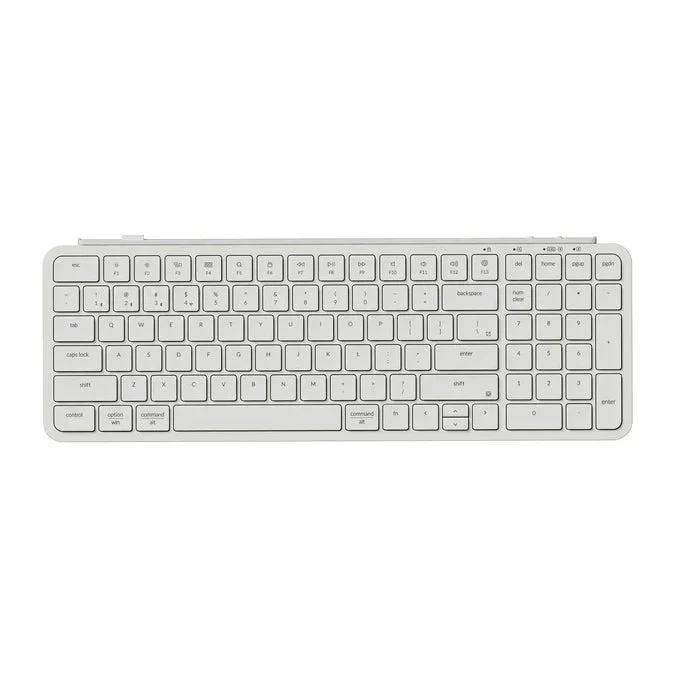
The Story
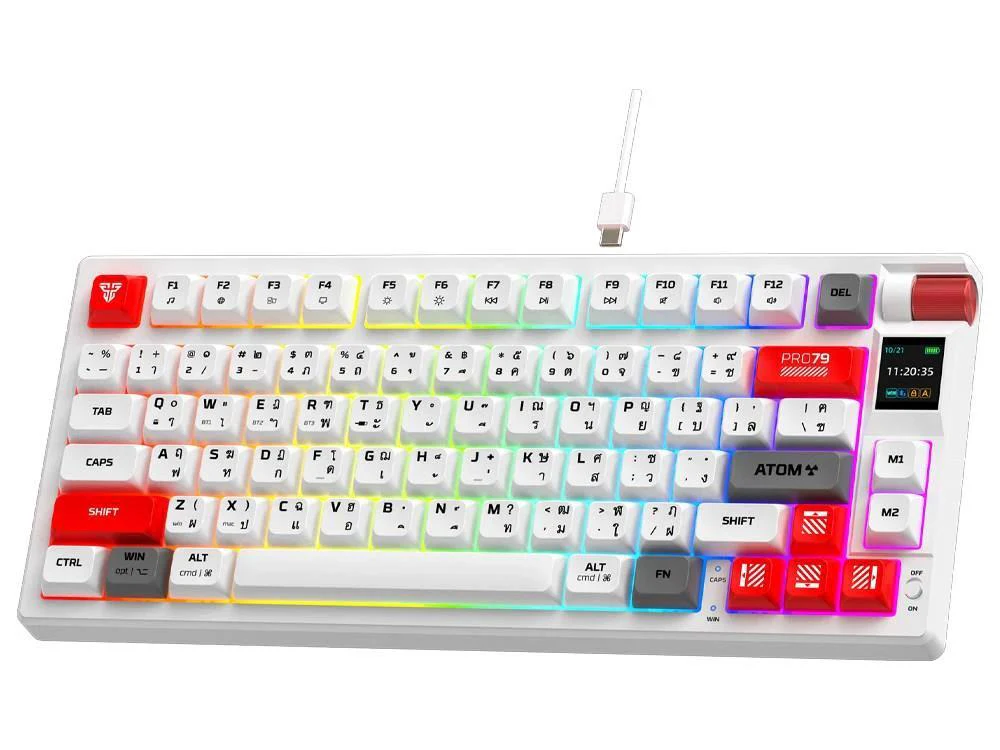
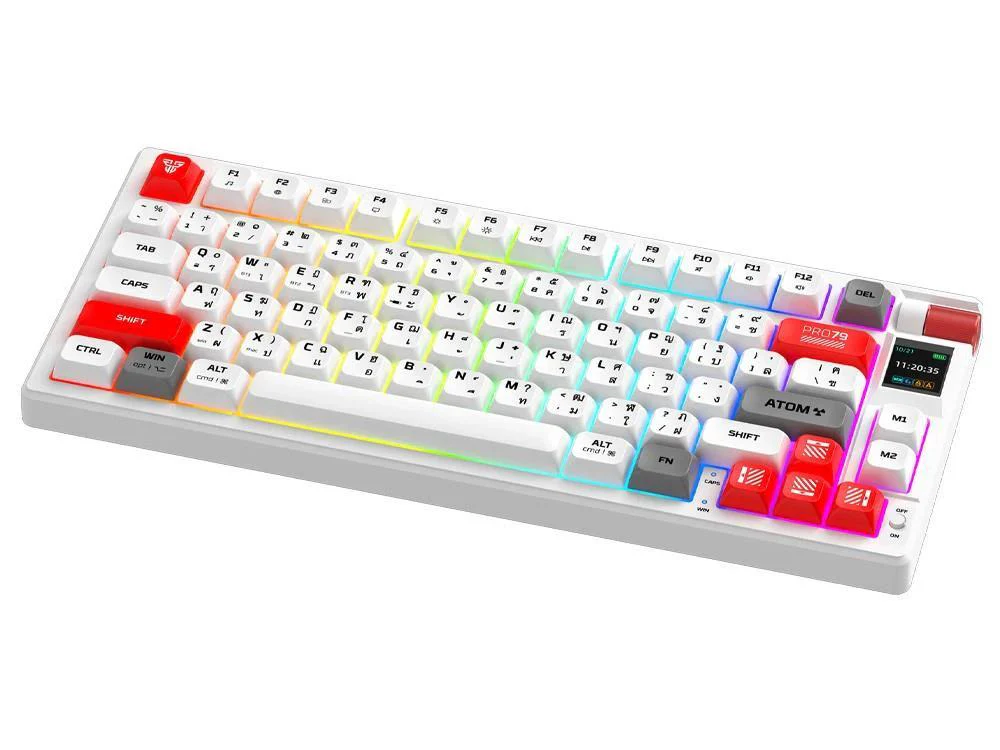
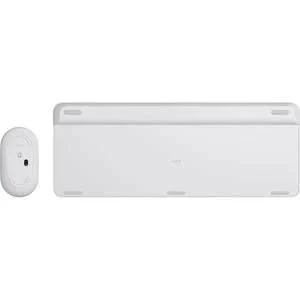
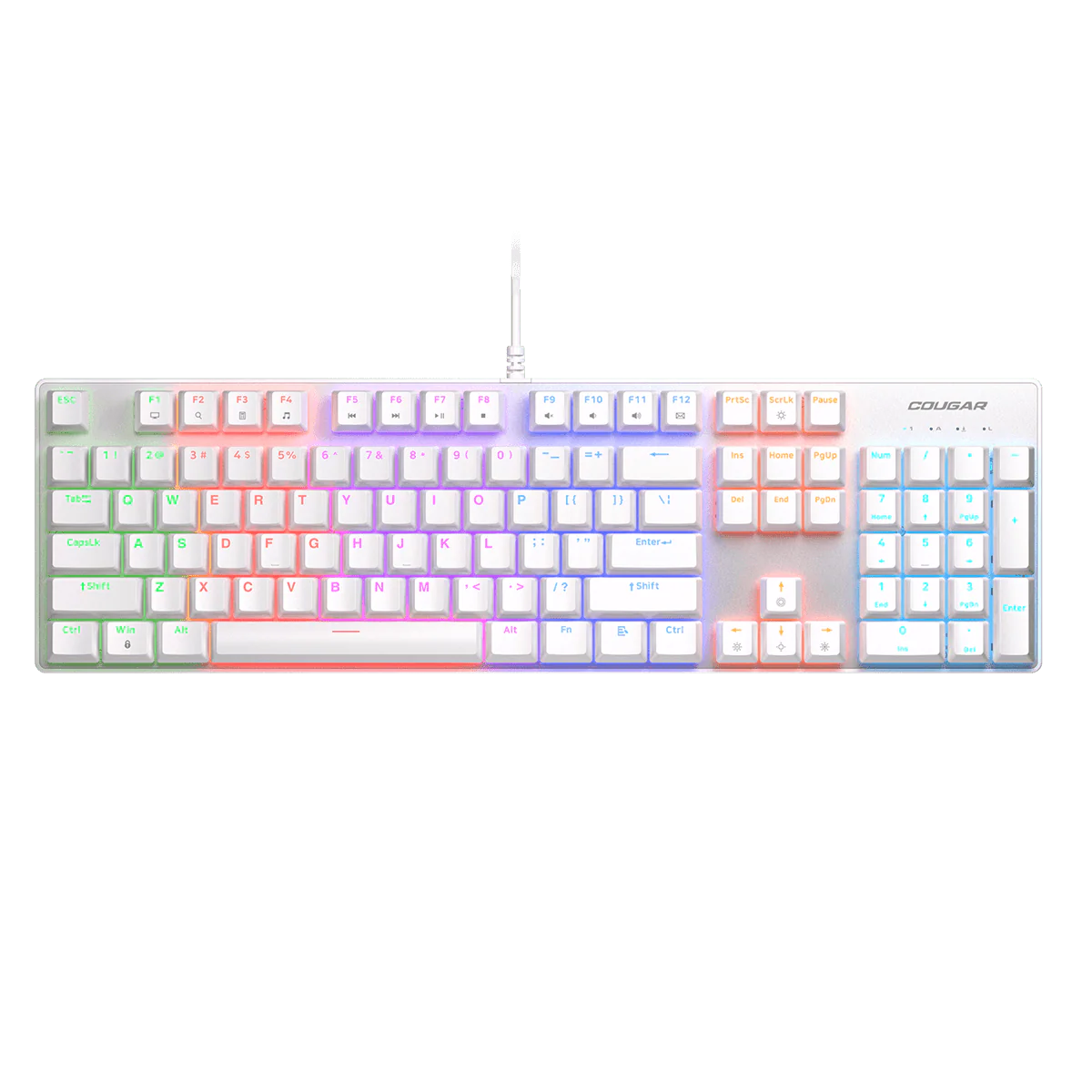
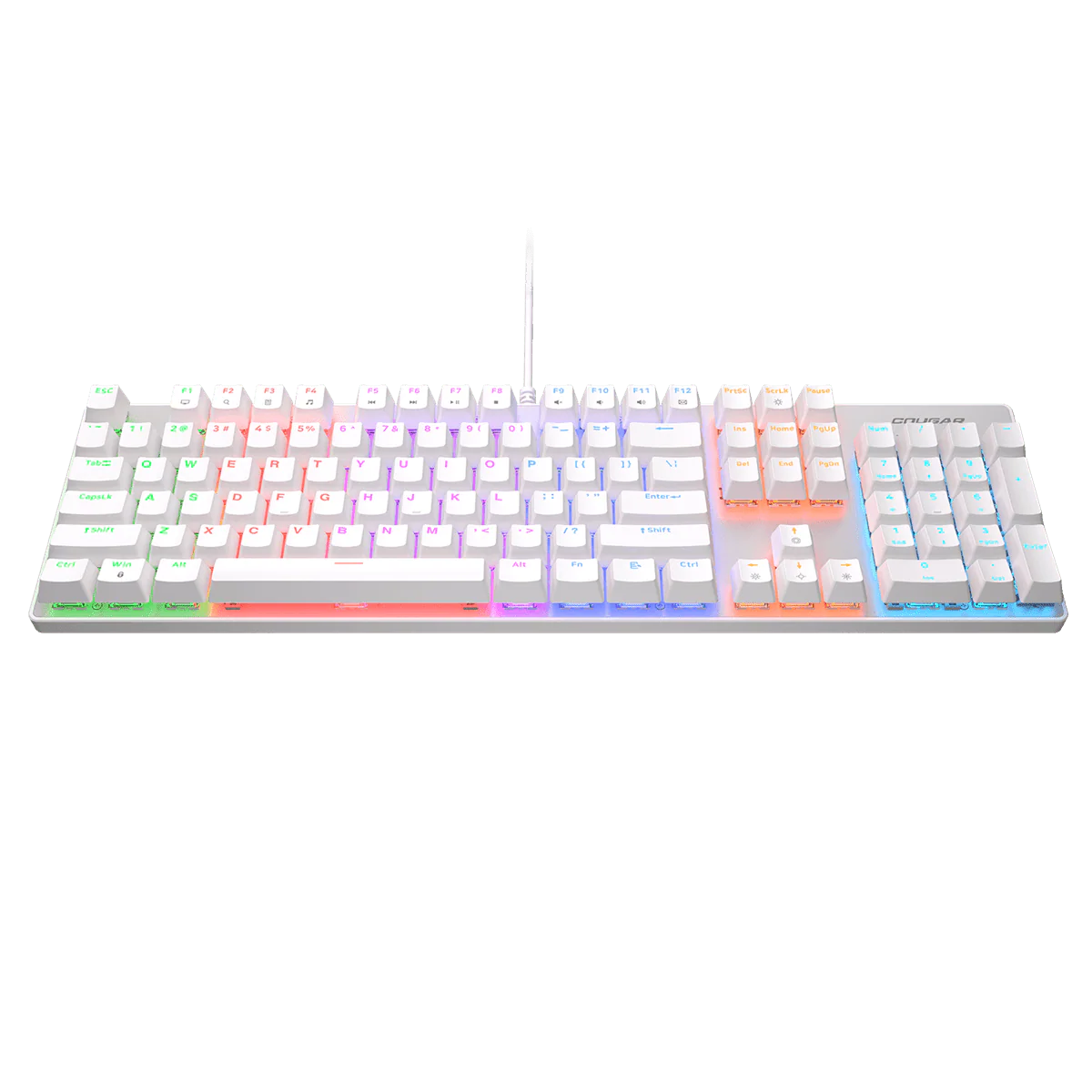
- Ultra-slim profile with premium aluminium chassis
- Low-profile keycaps for reduced finger fatigue
- Wireless Bluetooth and wired USB-C charging
- Cross-platform compatibility: macOS and Windows
- Compact layout that retains essential function keys for productivity
- Reliable daily typing with a smooth, responsive keystroke
- Ivory White finish for a clean, modern aesthetic
Compatibility & system requirements: The B2 Pro works across laptops, tablets and phones, with seamless operation in both Bluetooth wireless mode and USB-C wired mode. It is optimised for macOS and Windows environments and pairs easily with common productivity devices.
Setup & installation: Charge the keyboard via USB-C, then pair to your computer or tablet using your operating system’s Bluetooth setup. For wired use, connect with the USB-C cable and begin typing immediately.
Warranty & support: Warranty and support details are provided with the product documentation and manufacturer terms. Clear guidance is available through official support channels to assist with setup, troubleshooting and replacements if needed.
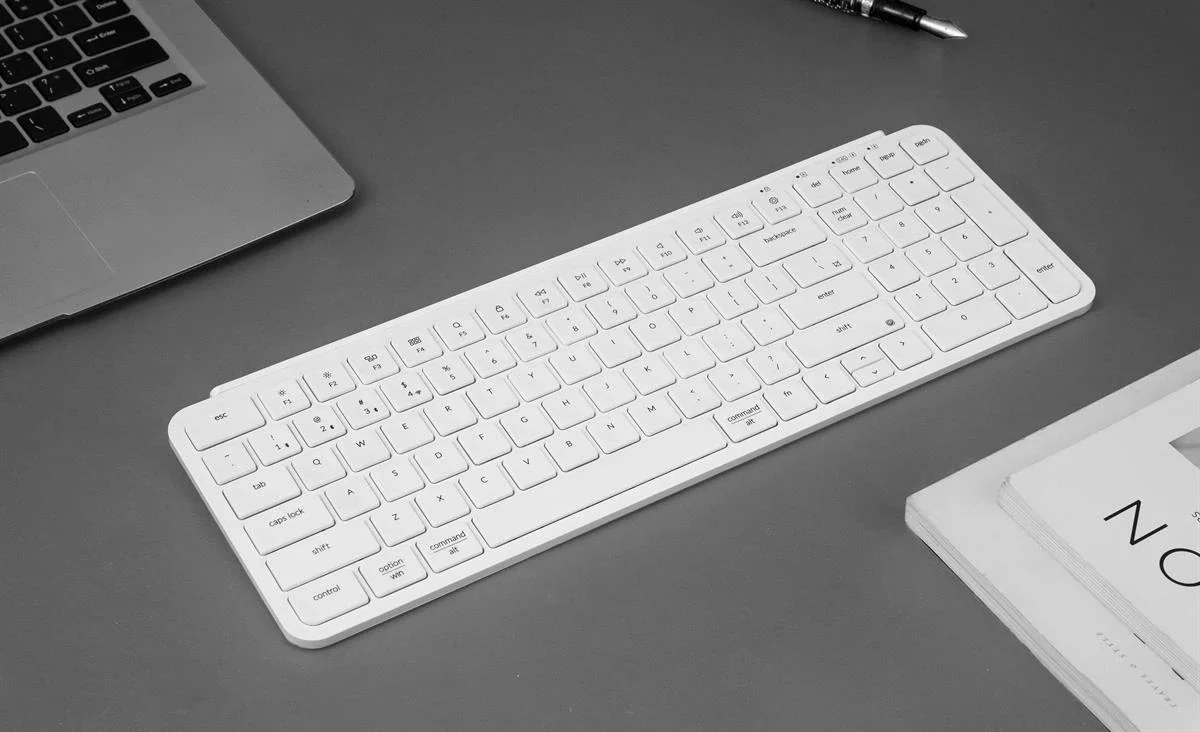
Details & Craftsmanship
Every detail has been carefully considered to bring you the perfect product.
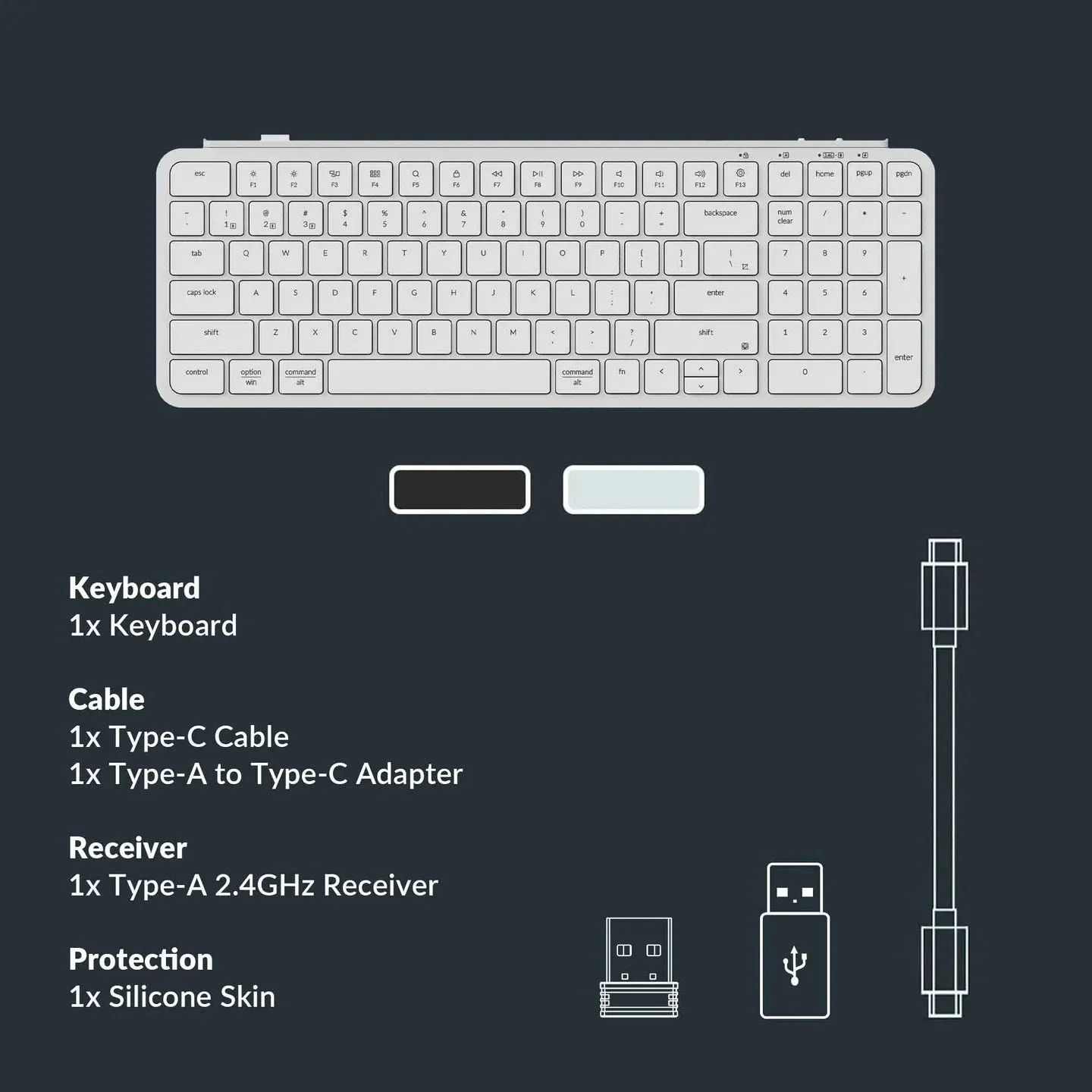
Details & Craftsmanship
Every detail has been carefully considered to bring you the perfect product.
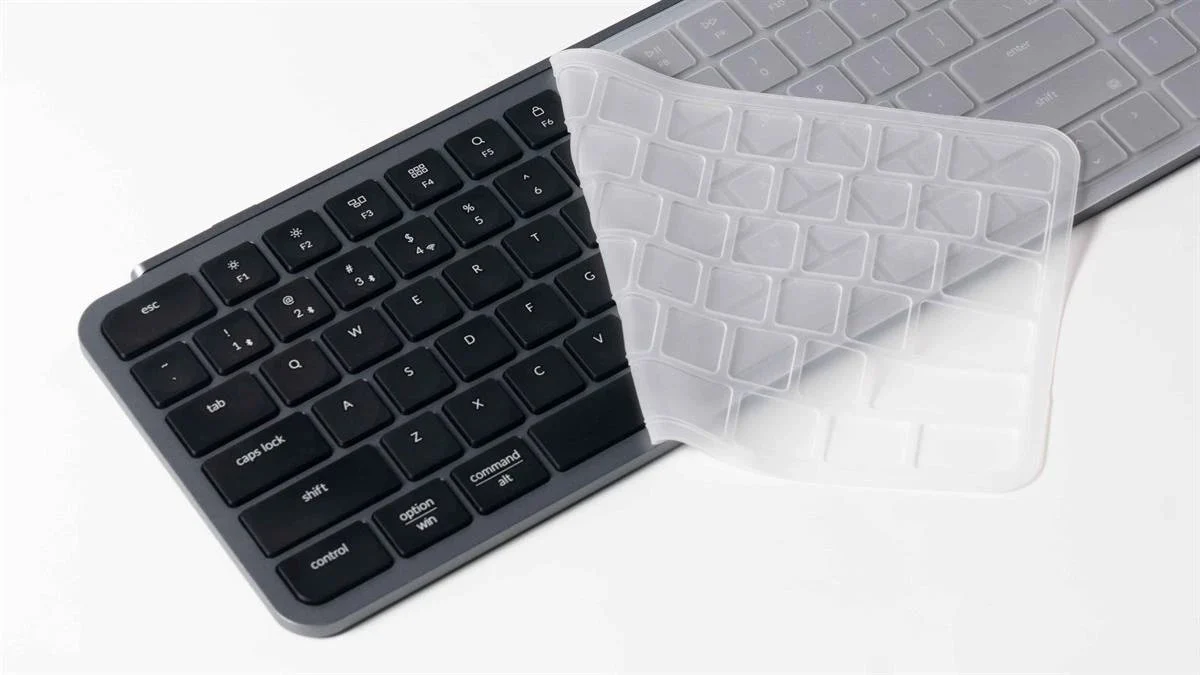
Details & Craftsmanship
Every detail has been carefully considered to bring you the perfect product.
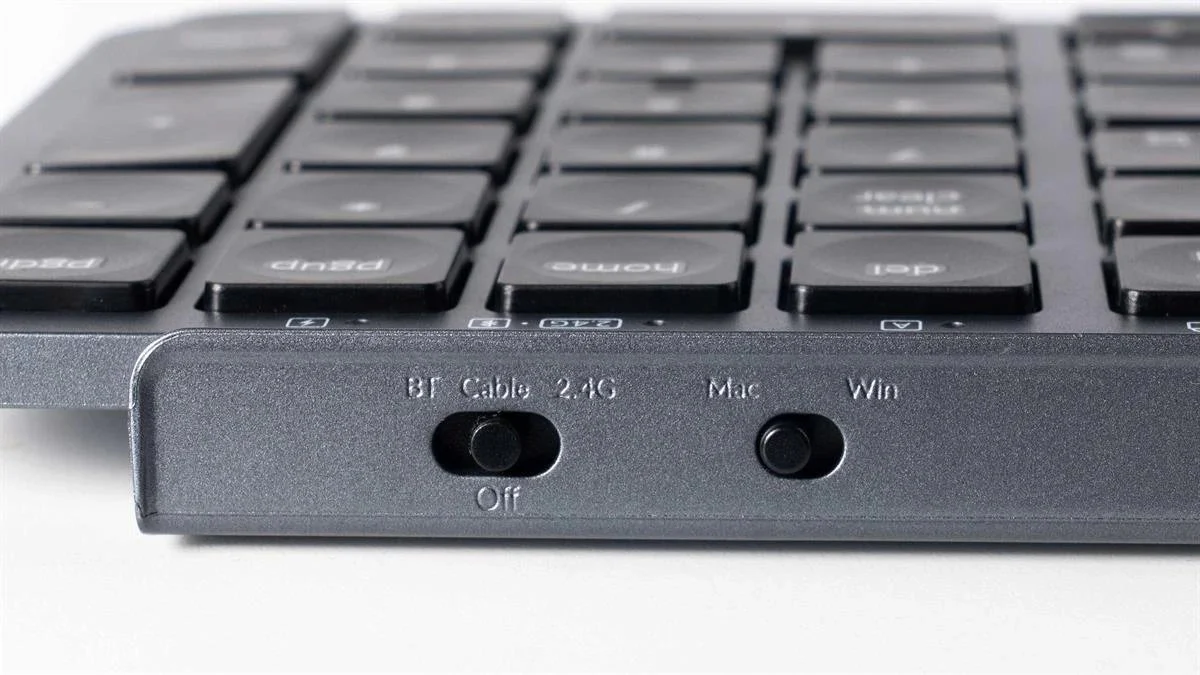
Details & Craftsmanship
Every detail has been carefully considered to bring you the perfect product.
Description
- Ultra-slim profile with premium aluminium chassis
- Low-profile keycaps for reduced finger fatigue
- Wireless Bluetooth and wired USB-C charging
- Cross-platform compatibility: macOS and Windows
- Compact layout that retains essential function keys for productivity
- Reliable daily typing with a smooth, responsive keystroke
- Ivory White finish for a clean, modern aesthetic
Compatibility & system requirements: The B2 Pro works across laptops, tablets and phones, with seamless operation in both Bluetooth wireless mode and USB-C wired mode. It is optimised for macOS and Windows environments and pairs easily with common productivity devices.
Setup & installation: Charge the keyboard via USB-C, then pair to your computer or tablet using your operating system’s Bluetooth setup. For wired use, connect with the USB-C cable and begin typing immediately.
Warranty & support: Warranty and support details are provided with the product documentation and manufacturer terms. Clear guidance is available through official support channels to assist with setup, troubleshooting and replacements if needed.