The Story
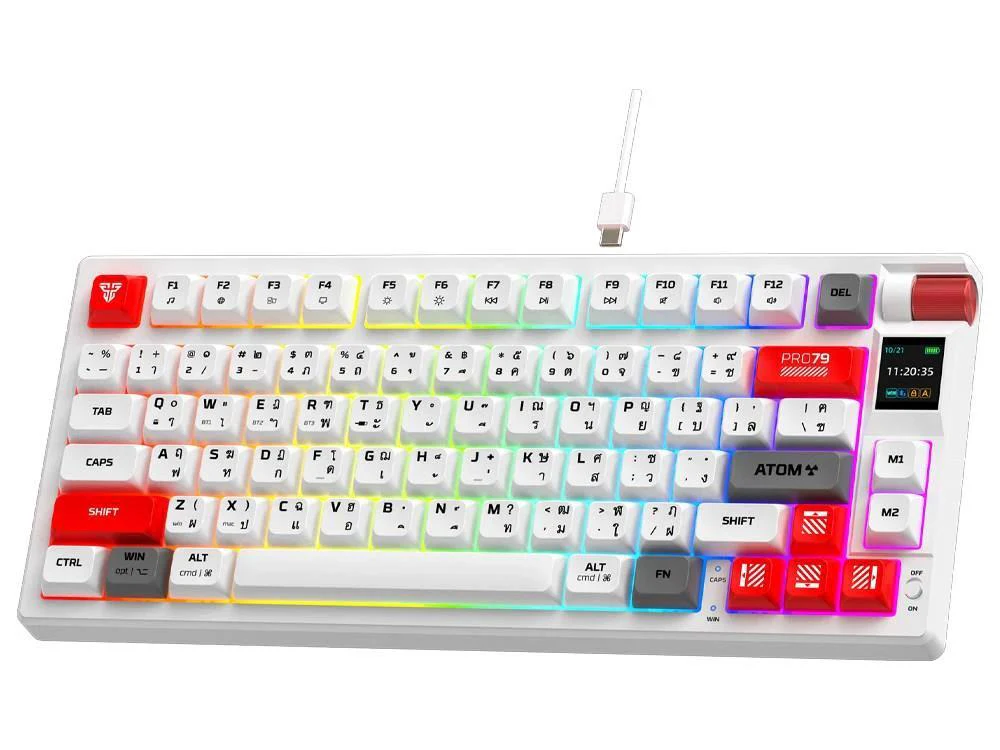
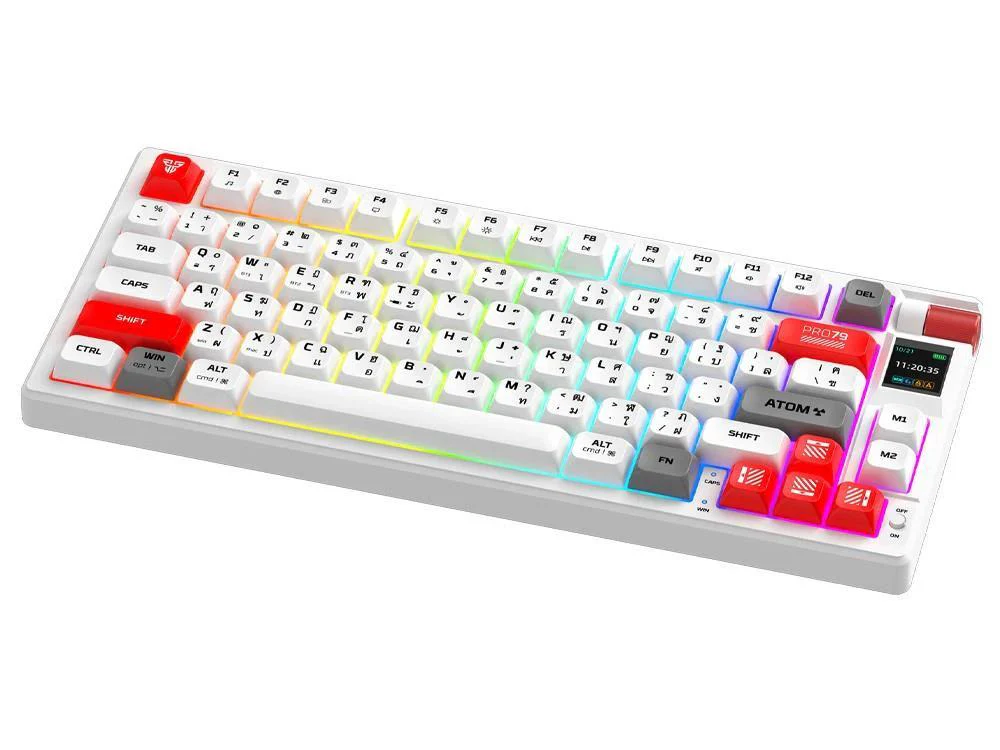
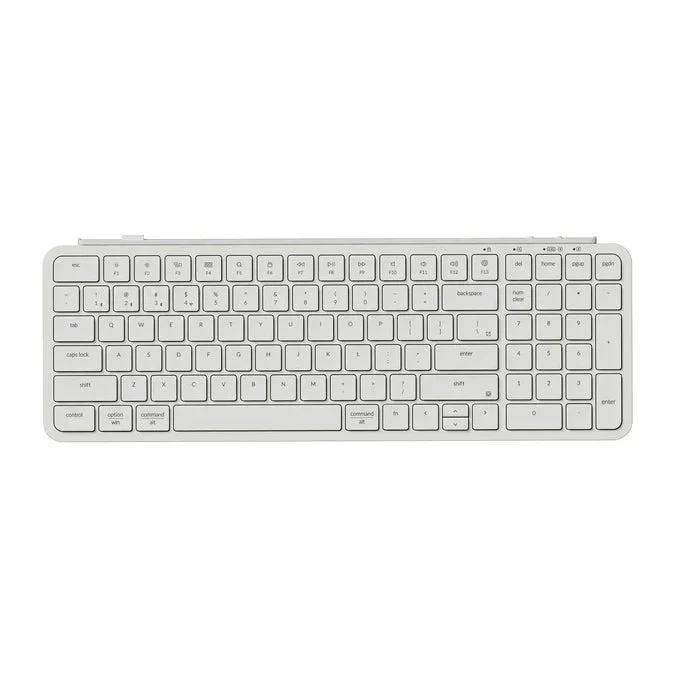
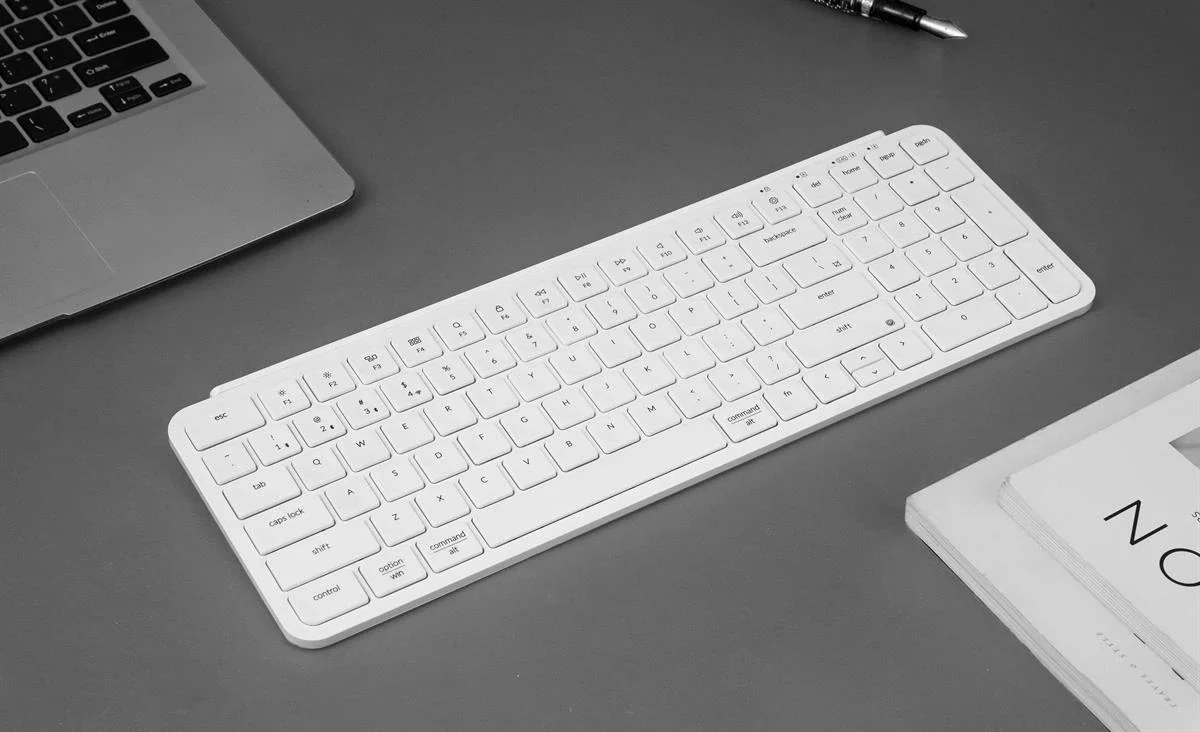
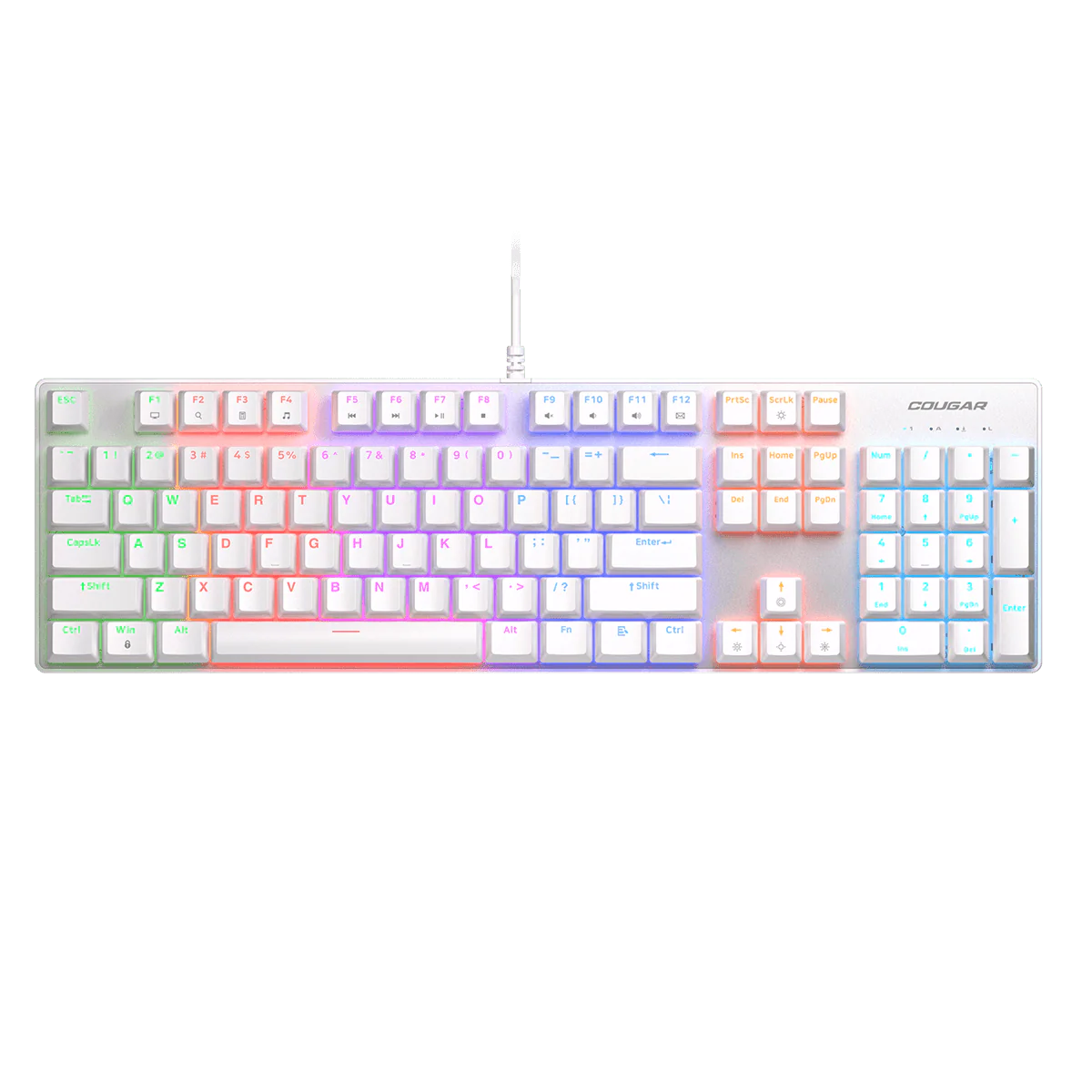
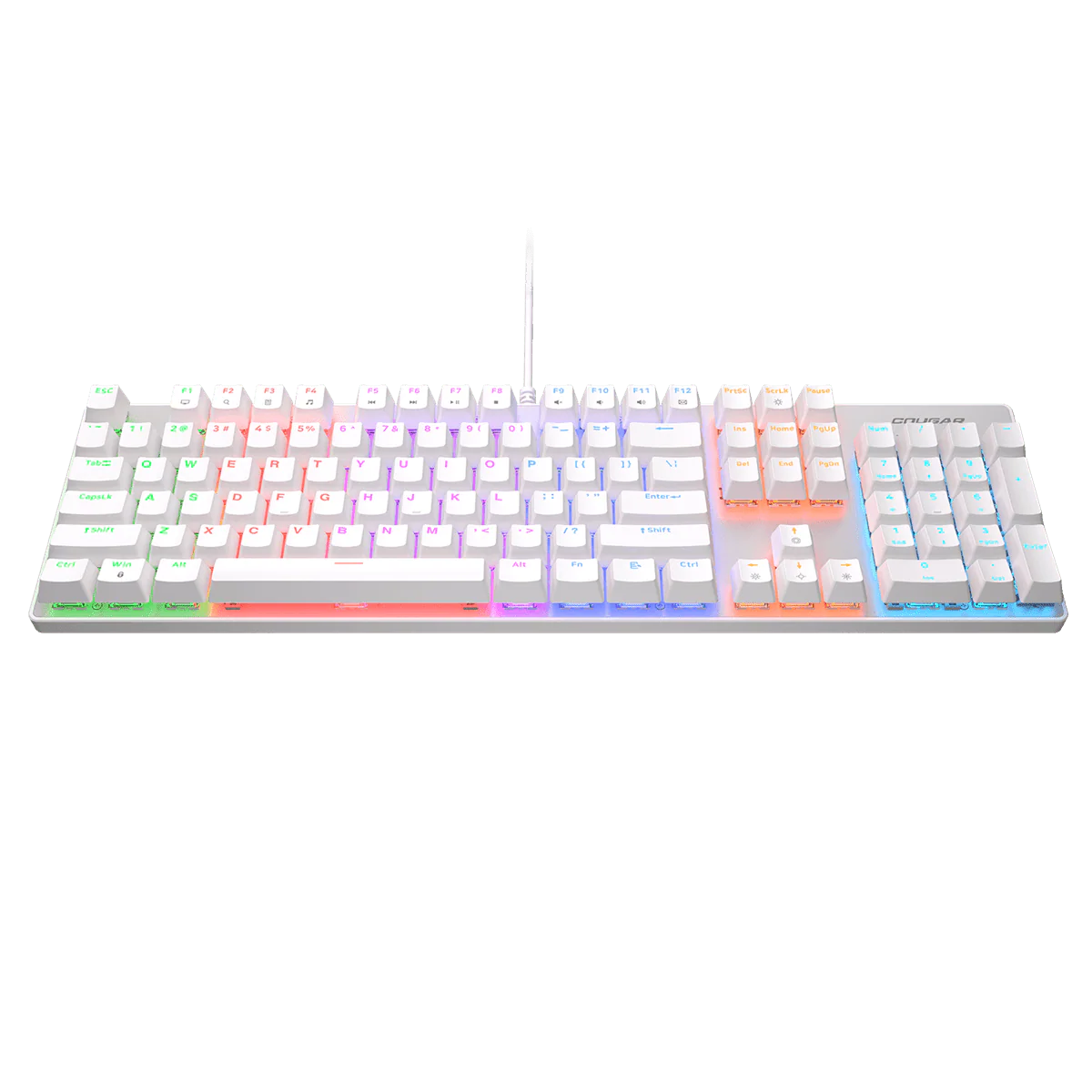
Designed for developers, writers and keyboard enthusiasts who demand firmware flexibility and a rugged, compact input device, the Keychron J4 sharpens focus during long sessions. The Dark Blue chassis with a two-tone beige keycap set yields a clean, distraction-free desk presence, while Brown switches provide balanced tactility.
With QMK firmware readiness, you can craft macros, layered layouts and personalised keymaps for coding, drafting or gaming. The hot‑swappable sockets let you swap Brown switches without soldering, enabling easy tuning of feel and sound.
Technical highlights include a compact footprint with a function row and arrow cluster, bright RGB backlighting with multiple modes, and reliable wireless operation for cable-free workflows. The keyboard is built for marathon use.
Compatibility and setup are straightforward: QMK support unlocks cross‑platform customisation on compatible devices. To set up, pair wirelessly, load your preferred keymap in QMK and start typing. Replacement switches are tool-free via hot-swap sockets.
Warranty and support: manufacturer limited warranty with official support channels; firmware updates and community resources help you adapt as your workflow evolves.
Description
Designed for developers, writers and keyboard enthusiasts who demand firmware flexibility and a rugged, compact input device, the Keychron J4 sharpens focus during long sessions. The Dark Blue chassis with a two-tone beige keycap set yields a clean, distraction-free desk presence, while Brown switches provide balanced tactility.
With QMK firmware readiness, you can craft macros, layered layouts and personalised keymaps for coding, drafting or gaming. The hot‑swappable sockets let you swap Brown switches without soldering, enabling easy tuning of feel and sound.
Technical highlights include a compact footprint with a function row and arrow cluster, bright RGB backlighting with multiple modes, and reliable wireless operation for cable-free workflows. The keyboard is built for marathon use.
Compatibility and setup are straightforward: QMK support unlocks cross‑platform customisation on compatible devices. To set up, pair wirelessly, load your preferred keymap in QMK and start typing. Replacement switches are tool-free via hot-swap sockets.
Warranty and support: manufacturer limited warranty with official support channels; firmware updates and community resources help you adapt as your workflow evolves.